Opening Settings
Tap the gear at the top right of the home screen. Settings slides in from the right; tap ‹ to close it. On iPad with a keyboard, press ⌘,.
The rooms
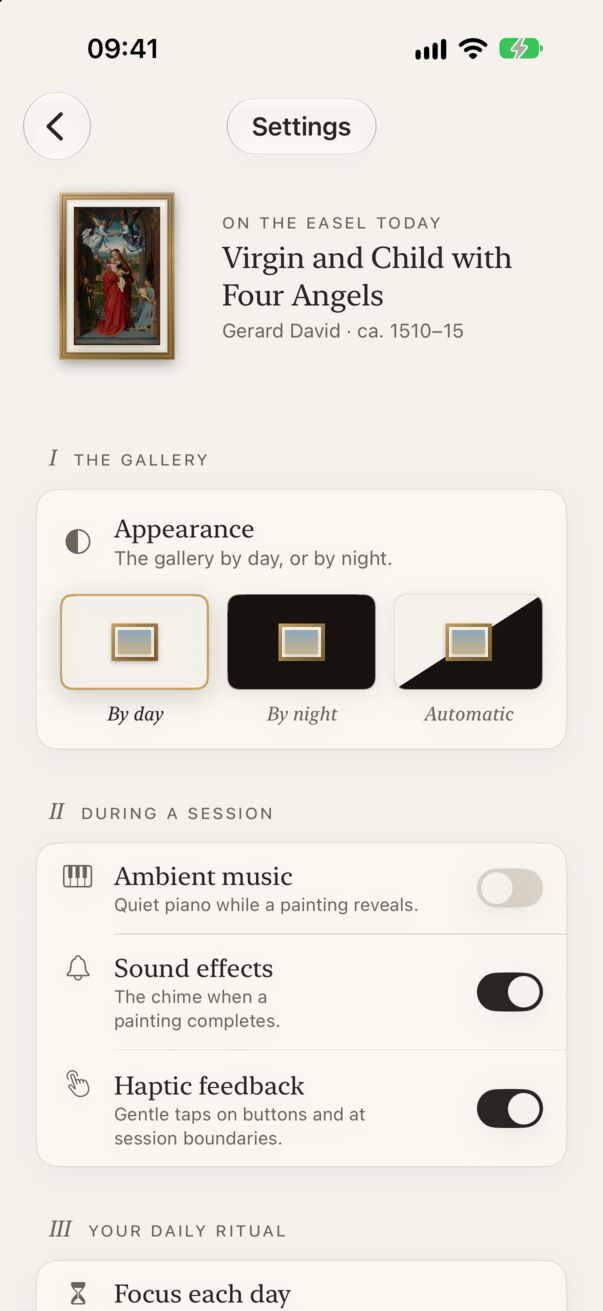
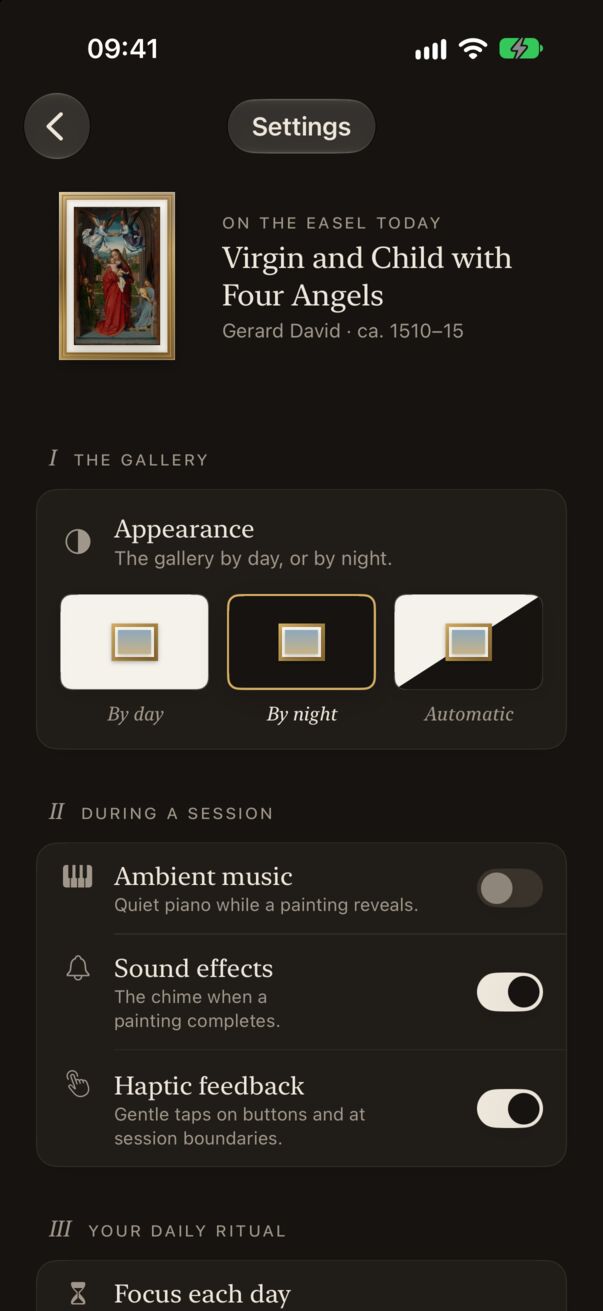
- The gallery: Appearance. By day is a warm, lit wall; By night a deep charcoal room; Automatic follows your iPhone’s light and dark setting.
- During a session: ambient music, sound effects, haptic feedback.
- Your daily ritual: Focus each day (the goal that clears the Painting of the Day widget) and the daily reminder.
- Support: Become a Patron and the Saturday note.
- About Easel: language, about the maker, show the introduction again, privacy policy, and feedback.
Language
Easel speaks English, Polish, Spanish, French, Simplified Chinese, Hindi, Japanese, Korean and Brazilian Portuguese. Tap Language in Settings to open iOS’s page for Easel and choose one; Easel restarts in the new language.
See the introduction again
Tap Show introduction in About Easel to replay the four-page tour of how Easel works.