
Opening the gallery
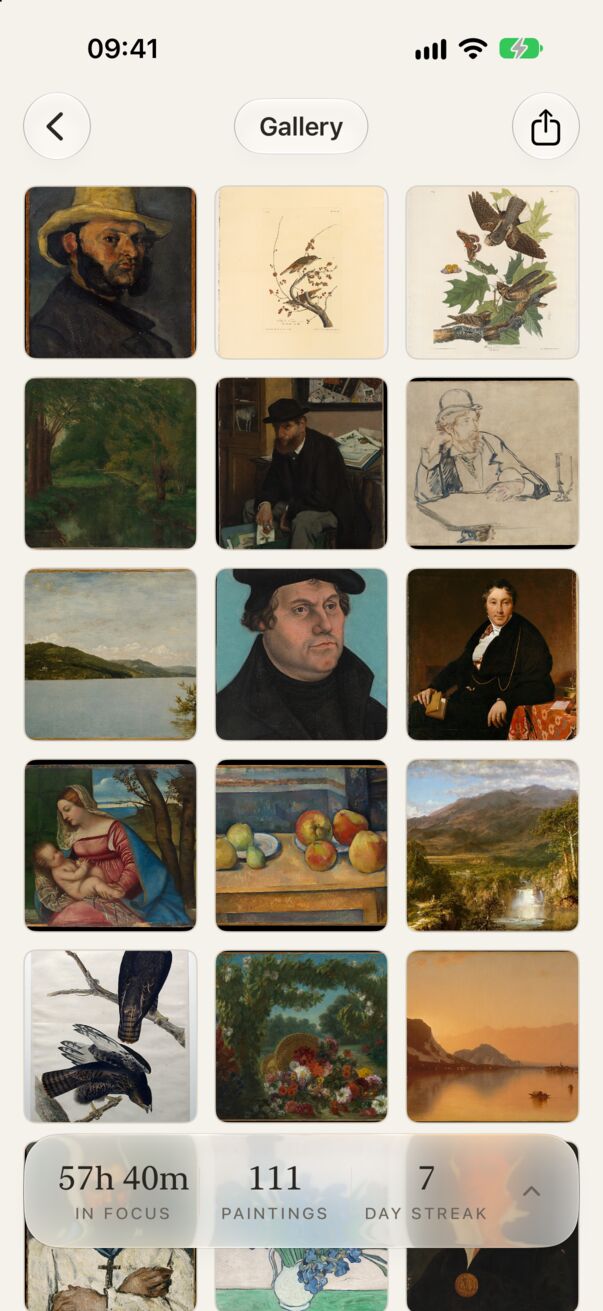
Tap the gallery button at the top left of the home screen. The gallery slides in from the left; tap ‹ to slide it back.
Paintings are arranged newest first. At the bottom, a card shows your total time in focus, paintings and current streak; tap it to open Statistics.
A painting’s page
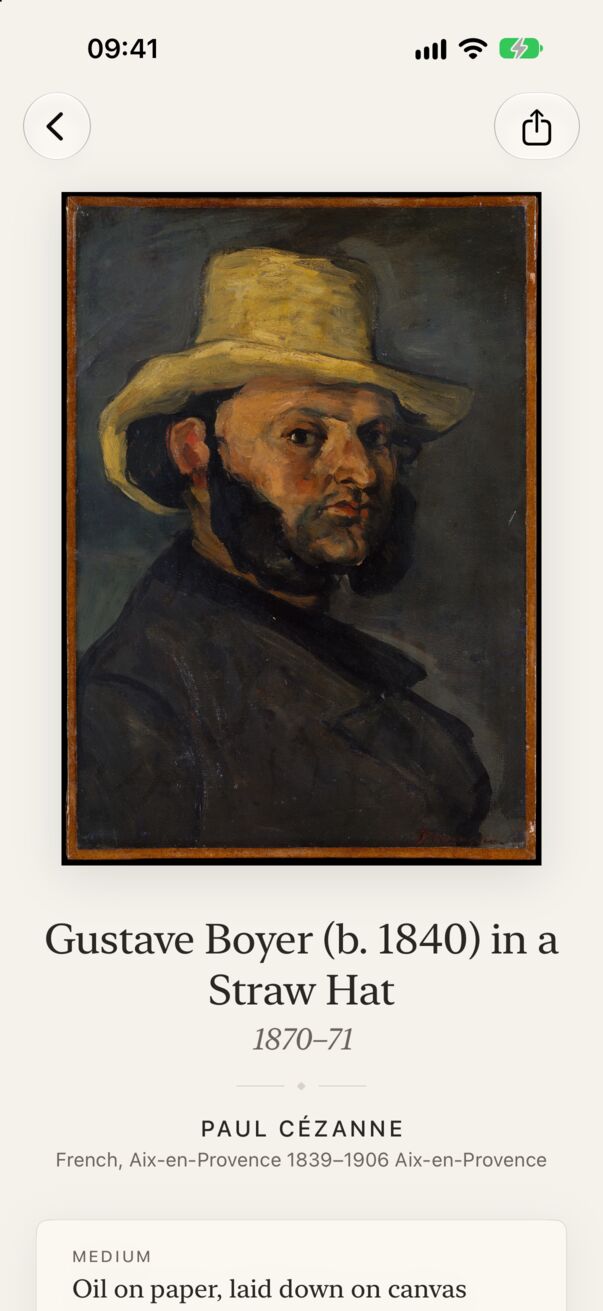
Tap any painting to open its page: the work large, then its museum label (title, date, artist, medium, dimensions and more from The Met), then Your visit: the day and time you uncovered it, and what it was for.
- Tap Share (top right) to make a framed card. See Sharing.
- Without a connection, the page shows what’s saved on your device and a short note that more details need the internet.
Sharing the whole gallery
The share button at the top right of the gallery makes a collage card of your latest paintings.