
Daily reminder
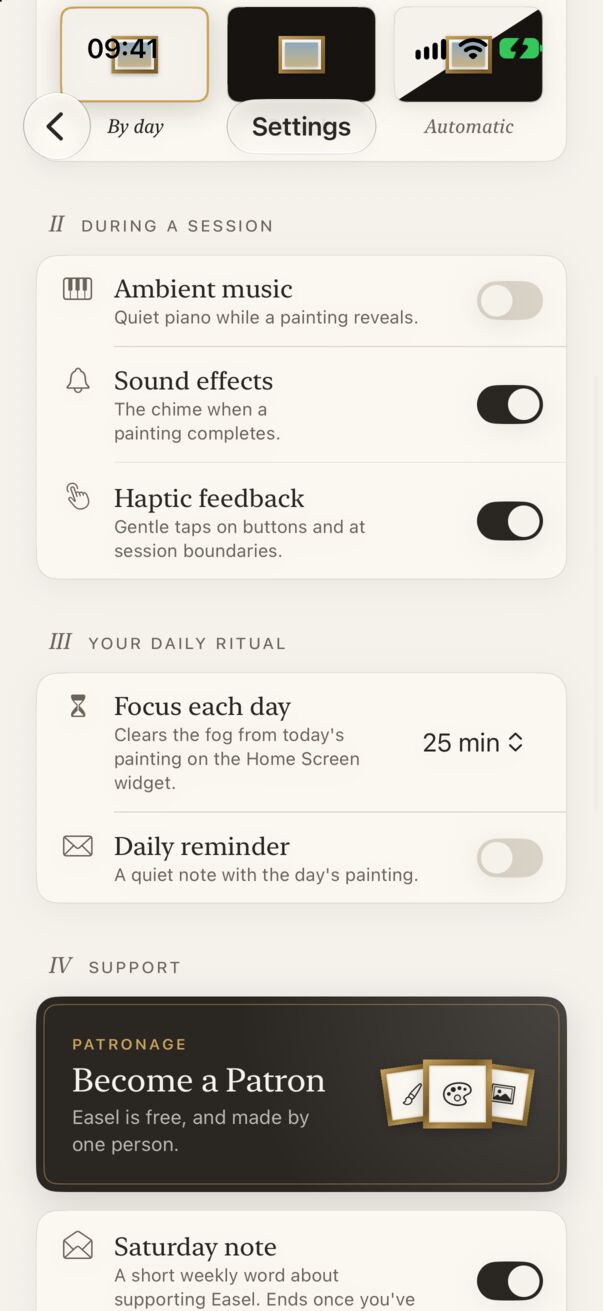
- Open Settings (top right of the home screen).
- In II · Your daily ritual, turn on Daily reminder. iOS asks for permission the first time.
- Choose a time (9:00 by default).
If you’ve already focused that day, or the time has passed, the reminder moves to tomorrow. You can also turn it on from the last page of the introduction.
Other notifications
- Year in Review: up to three notes in its season (15 December, 30 December, 2 January), only if you focused that year.
- Saturday note: a short weekly word, on Saturday mornings, about supporting Easel. Turn it off any time in Settings → Support → Saturday note. It stops by itself once you’ve tipped.
Easel never sends notifications unless you’ve allowed them.
Turning notifications off
Switch off the individual notes in Easel’s Settings, or turn off all of them in the iPhone Settings app under Apps → Easel → Notifications.